Google Business Profile: The complete guide for local businesses
· Google · 6 min
Your Google Business Profile is often the first thing customers see. Here is how to create, verify and maintain it, from categories and photos to reviews.
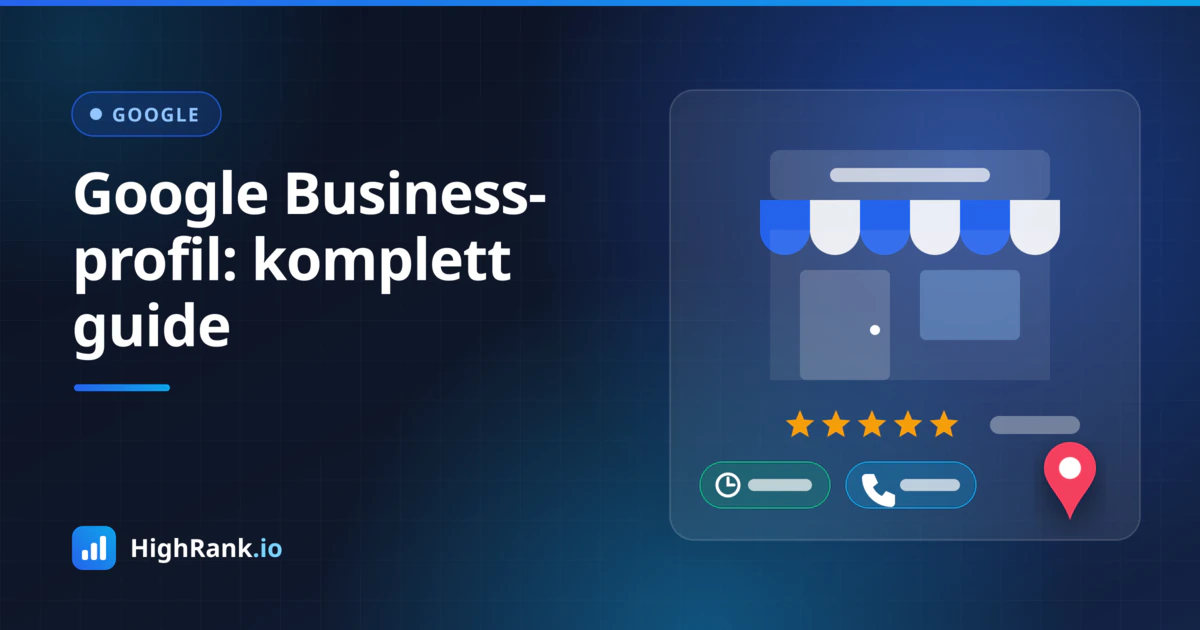
When someone searches for a plumber, a hair salon or an accountant nearby, the first thing they see is often not your website. It is your Google Business Profile: the panel with your name, star rating, opening hours, photos and buttons to call or get directions. For many local businesses, this profile is their most important digital shop window, yet it is frequently half-finished, out of date or never claimed at all. This guide walks through the whole process, from creating and verifying the profile to photos, reviews and ongoing maintenance, so that it actually works for you.
Create and verify your profile
Start by searching for your business on Google. It is common for a profile to exist already, either generated automatically by Google or suggested by a customer. If so, claim it rather than creating a new one. Duplicates confuse both customers and Google and can split your reviews and information across several listings.
If there is no profile, create one at business.google.com using the Google account that should own it. Ideally, use an account that belongs to the business rather than to one employee, and add other people as managers. That way you do not lose access when someone leaves.
Next, the profile has to be verified. Google decides which methods are available for your business, and this varies. Common options include:
- A video recording showing your signage, premises, equipment or other proof that the business operates where you say it does
- A code sent by phone call or text message
- A code sent by email
- A postcard with a code mailed to your address
Video verification has become common. Plan the recording: show the street or surroundings, your business sign or branding, and something that proves you have access, such as unlocking the door or showing branded tools and vehicles. A blurry or very short video is a frequent reason for rejection.
Choose the right category and complete the basics
Your primary category is one of the most important choices in the profile, because it tells Google which searches you are relevant for. Pick the category that describes the core of your business as precisely as possible. A dental clinic should choose dentist, not a generic health category. You can add secondary categories, but only those that are genuinely true. Adding categories you do not serve makes the profile less credible and brings in the wrong enquiries.
Then fill in the basic information accurately and completely:
- Business name exactly as it appears on your signage and official registrations, with no extra keywords or locations
- Address, or a service area if you travel to customers and do not receive visitors
- A phone number that someone actually answers
- Website link to the right page, such as a location page if you have several branches
- Opening hours, including special hours for public holidays and vacations
A tempting shortcut is to add keywords to the business name, for example Smith Plumbing – Emergency Plumber London. This breaks Google's guidelines and can get the profile suspended. Stick to your real name.
Add your services or products with short, concrete descriptions, and go through the attributes Google offers for your industry, such as wheelchair accessibility, payment options or free estimates. The business description should explain what you do, for whom and in which area, in plain language. Write for the customer, not for the algorithm.
Photos that build trust
After the star rating, photos are often the first thing people look at. They create an impression of who you are before the customer has read a word. Upload real photos of your premises inside and out, ideally from an angle that makes the entrance easy to recognise. Show your team, your work and the products you sell.
Some practical tips:
- Upload a logo and a strong cover photo, but do not stop there
- Use sharp, well-lit images; a modern phone camera is perfectly adequate
- Avoid stock photos, as they tell customers nothing about your actual business
- Add new photos regularly, for example after finishing a project or a renovation
- Review photos uploaded by customers and report any that are misleading or inappropriate
Reviews and how to respond
Reviews influence both how you rank locally and whether people choose you. The best strategy is simple: deliver good service, then ask satisfied customers for a review. Many customers are happy to help but do not think of it unless asked.
Make it easy. In your profile you can get a direct link to the review form. Send it by email or text after a job, add it to your email signature or turn it into a QR code at the counter. What you must not do is offer discounts or gifts in exchange for reviews, write reviews yourself, or only ask the customers you expect to be happiest. All of these go against Google's policies.
Reply to reviews, both good and bad. A short, personal thank-you on positive reviews shows there are real people behind the business. Negative reviews need a bit more care:
- Respond promptly, factually and politely, even if you disagree
- Acknowledge the experience without sharing personal details about the customer
- Offer to resolve the issue offline, for example by phone
- Do not get defensive or argue in public; every future customer can read your reply
Reviews that violate the policies, such as spam or content from someone who was never a customer, can be reported. Expect honest but critical reviews to remain, though.
Posts, questions and ongoing maintenance
Your profile lets you publish updates, offers and events. Posts are a good way to show that the business is active and to highlight seasonal services or news. They do not need to be long: a photo, a couple of sentences and a button to the relevant page is enough.
Google regularly changes which features profiles include. Many profiles used to have a dedicated questions and answers section and a chat feature, and both have since been changed or phased out. The underlying principle still holds: make sure the answers to your customers' most common questions, such as pricing, lead times, parking and payment, are clearly available in your profile and on your website. That gives Google, AI assistants and customers accurate information to draw from.
Set aside time once a month for a quick review:
- Are the opening hours correct, and are special hours added for upcoming holidays?
- Are there new reviews without a reply?
- Has anyone suggested edits to the profile? Google can accept user suggestions, so check that nothing incorrect has slipped in
- Do you have new photos or services to add?
Keep your NAP data consistent
NAP stands for name, address and phone number. This information should be identical in your Google Business Profile, on your website, in official business registries and in the directories where you are listed. When the details differ, it becomes harder for Google and other services to be confident about which version is correct.
If you move, change your number or rename the business, update the profile first and then work systematically through every other place you are listed. On your website, show your address and phone number as plain text in the footer and on the contact page, ideally also marked up with LocalBusiness structured data.
Common mistakes to avoid
- Multiple profiles for the same business at the same address
- Keywords or place names stuffed into the business name
- Outdated opening hours that are never adjusted for holidays
- Unanswered reviews, especially negative ones
- A website link that points to a page that no longer exists
- A profile owned only by a former employee or an agency you no longer work with
Summary
A well-maintained Google Business Profile is one of the most effective things a local business can do for its visibility, and it costs nothing but time. Claim the profile, choose the right category, fill in everything, add real photos, respond to reviews and keep the details up to date. If you want to see how your business actually appears in Google and in AI assistants like ChatGPT, you can run a free check with HighRank.io and get an overview of what to improve.