Keyword research for small businesses without expensive tools
· Strategy · 6 min
You do not need pricey SEO subscriptions to learn what customers search for. Here is a practical method built on free tools, customer insight and common sense.
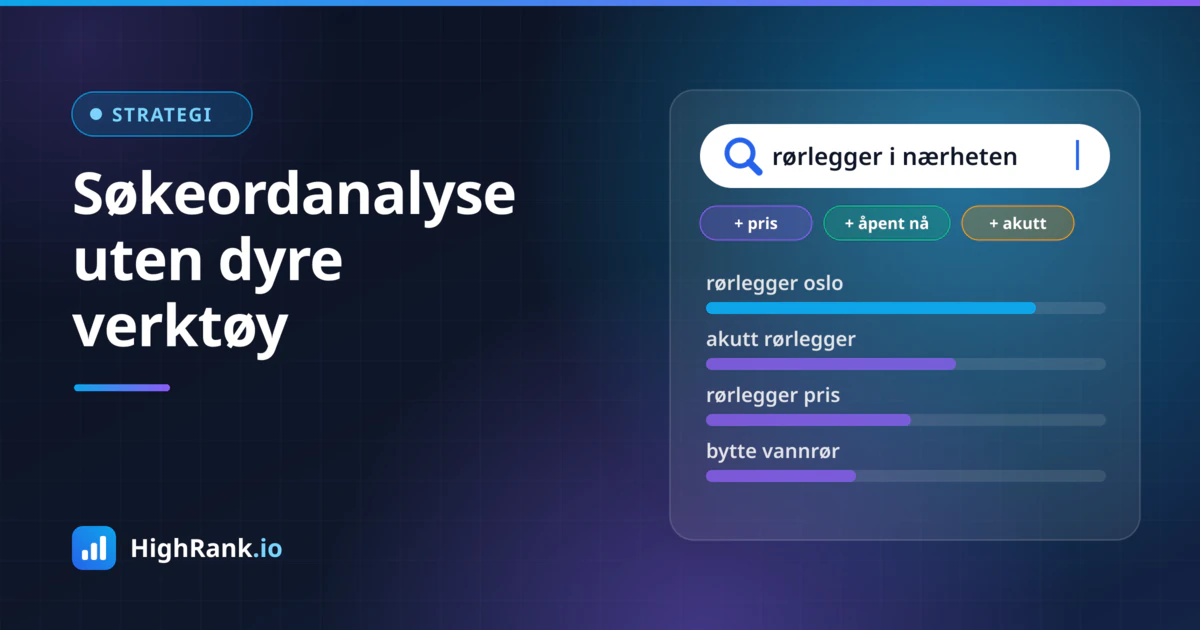
Many small businesses skip keyword research because they assume it requires expensive SEO subscriptions. That is a shame, because the most valuable insights about what your customers actually type into Google are available for free. It takes some time and a bit of structure, but no budget and no specialist background. This guide walks you through a practical method you can start using this week.
The goal of keyword research is not to find one magic keyword with huge search volume. The goal is to understand which words and questions potential customers use when they look for what you offer, and then make sure you have a good page that answers each of them. For a local or niche business, the small and specific searches are usually the ones that bring in customers, not the broad and popular ones.
Start with your customers, not with tools
The best source of keywords is the people who already talk to your customers. Before you open a single tool, collect the language customers really use. It is often very different from the terms you use internally.
- Ask whoever answers the phone or the inbox: which questions come up most often?
- Go through quote requests, contact forms and chat logs from the past year.
- Read reviews of your business and your competitors, and note the words customers use to describe the service.
- Write down how customers describe their problem, not just the solution they end up buying.
A plumber might say "drain replacement" while the customer searches for "water leaking under bathroom floor". An accountant talks about "year-end accounts" while a founder searches for "help with bookkeeping for a sole trader". These differences matter, because it is the customer's wording that ends up in the search box.
Get suggestions straight from Google
Google itself shows you what people search for, at no cost. You only need to know where to look. Use a private browser window so your own search history affects the results as little as possible.
- Autocomplete: Type the beginning of a search, such as "roof repair", and see what Google suggests. Try adding letters too: "roof repair a", "roof repair b" and so on.
- People also ask: The box of questions in the results shows what people wonder about the topic. Clicking one often reveals more.
- Related searches: At the bottom of the results page you will find related queries that offer new angles and synonyms.
- The results themselves: Look at which kinds of pages rank. Are they product pages, guides, price lists or a map with local businesses?
Put everything in a simple spreadsheet: one column for the phrase, one for where you found it and one for the type of page ranking today. After an hour or two you will usually have dozens of relevant phrases you had not thought of.
Use the free tools you already have
Google Search Console is the most underrated keyword tool for small businesses. If your site has been live for a while, the Performance report shows which queries you already appear for, how many impressions and clicks you get, and your average position. Look especially for queries with many impressions but few clicks, and queries where you sit just outside the first page. That is often where the quickest wins are, because Google already considers you relevant.
Google Ads Keyword Planner can be used without running ads, as long as you have a Google Ads account. Search volumes are often shown as broad ranges when you are not advertising, but they are still useful for comparing phrases and discovering new ideas. Treat them as a rough guide, not exact figures.
Google Trends shows how interest in a search changes over time and can be narrowed down to a country or region. It is useful for spotting seasonality. Searches for things like "snow removal", "deck stain" or "tax return" naturally rise and fall through the year, so your content should be ready before the peak, not in the middle of it.
Understand the intent behind each search
Two searches can cover the same topic but have completely different purposes. Search intent is about what the person actually wants to achieve. Broadly, searches fall into four types:
- Informational: The person wants to learn something, such as "how to remove mould in a bathroom".
- Comparison: The person is weighing options, such as "heat pump vs wood stove".
- Transactional: The person is ready to act, such as "book an emergency plumber near me".
- Navigational: The person is looking for a specific business or page.
The easiest way to identify intent is to look at what Google already shows. If the top results are guides and articles, a sales page will struggle to rank, and vice versa. Match your page type to what Google clearly believes users want. For most small businesses, transactional searches bring customers fastest, while informational searches build trust and visibility over time.
Language quirks and location modifiers
Every language has quirks that affect how people search. People use different spellings, compound words may be written together or apart, and regional vocabulary varies. One person searches for "tyre change", another for "tire swap" or "seasonal wheel change". Google is good at recognising that these mean the same thing, but it pays to use the most common version in titles and headings, and a couple of natural synonyms in the body text. Do not stuff a page with every possible variant.
If you operate in several languages or serve customers who search in more than one, research each language separately. Direct translations of keywords rarely match how people actually search.
Location terms are often the most important modifiers for local businesses. Many people search with a city, district or neighbourhood, such as "dentist Camden" or "electrician in Leeds". List the places you actually serve and consider whether some deserve a dedicated page with genuinely unique content. Remember that Google also uses the searcher's location, so searches without a place name can still trigger local results.
Map keywords to the right pages
A keyword list has no value until it turns into actual pages. Group phrases into topics where one page can answer every search in the group well. Then assign each group to one main page on your site.
- One page per clear topic or service, not one page per keyword variant.
- Use the main phrase in the page title, the H1 heading and early in the text, written naturally.
- Answer the most common "People also ask" questions directly on the page, ideally under their own subheadings.
- Avoid having several pages compete for the same search. Merge thin pages into one thorough page instead.
- Link between related pages with descriptive anchor text.
Also look at the competitors that rank well. Which services have their own pages? Which questions do they answer? The point is not to copy them, but to spot the topics you are missing and create something more useful, more specific or more local than what already exists.
Finally, prioritise. Start with searches that show clear buying intent, fit the services you earn most from and where you have a realistic chance to rank. A low-volume, highly relevant search is often worth more than a popular one where you are up against national brands.
Summary
Good keyword research is more about curiosity and structure than expensive tools. Listen to customers, collect suggestions from Google, use Search Console and the other free tools, understand the intent behind each search and connect every topic to one strong page. Repeat the exercise a few times a year, because language and needs change.
Once your pages are live, the next step is to see whether they actually become visible. HighRank.io lets you check your site's technical health, how it appears in Google and whether AI assistants such as ChatGPT mention your business, so you can tell whether the work is paying off.